Start coding with Python the fun way! EduBlocks makes programming easy for young creators with colorful, drag-and-drop blocks.
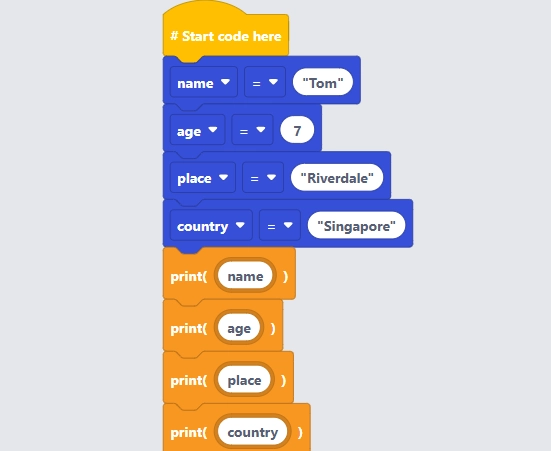
Ignite your child’s passion for coding with Python using EduBlocks, a friendly block-based platform that makes learning Python’s syntax simple and fun. Through drag-and-drop blocks, students explore foundational programming concepts like variables, data types, and conditions, all while creating interactive projects that bring coding to life.
This gentle introduction helps young learners build confidence and develop computational thinking skills, setting them up for a smooth transition to text-based coding.
This sample week shows how students move through the course, day by day. While each learner progresses at their own pace, it outlines the key concepts, hands‑on projects, and overall experience they can expect.
Students send their first messages in Python, using simple commands to print words, numbers, and sentences on screen.
Students build short programs that ask the user a question, then respond based on the answer, while exploring how Python works with numbers and basic math.
Students discover how computers think in yes-or-no questions, and use this idea to control what their programs do next.
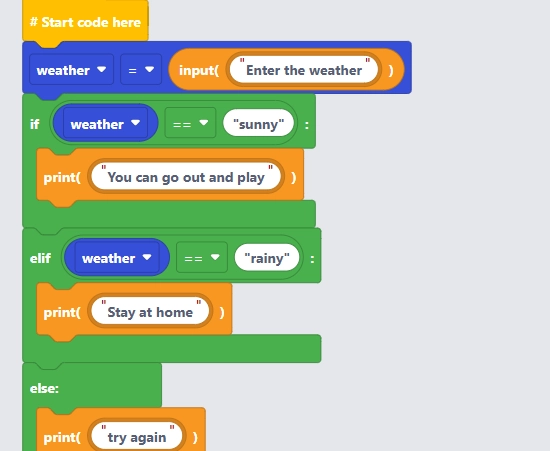
Students write story-based programs where Python makes choices, taking different paths depending on what the user types.
Students learn to check several conditions at once, combining them to handle more complex situations through playful puzzles and simple interactive stories.
Prerequisites: Students need to have completed Junior Programmers Python Camp Level 1, or similar introductory course as a prerequisite.
This sample week shows how students move through the course, day by day. While each learner progresses at their own pace, it outlines the key concepts, hands‑on projects, and overall experience they can expect.
Students explore one of the most powerful ideas in coding—writing an instruction once, then using a loop to repeat it as many times as needed.
Students create programs that keep repeating an action—like asking a question or moving a character—until a certain condition is met, such as getting the correct answer.
Students use one loop inside another to generate patterns, grids and multi-step instructions, seeing how just a few lines of code can produce many repeated shapes or actions.
They learn how to give a program a whole list of items to work with, instead of handling things one at a time.
Students bring the week’s concepts together, combining lists and loops to build programs that accomplish more with fewer lines of code.
Questions? Chat with us on WhatsApp.
Getting your child into camp takes minutes. We’ll find the perfect teacher to pair them with, you just pick what works for your family.
Pick your camp topic
Choose from Scratch, Python, Generative AI, Vibe Coding, Minecraft and more - all matched to your child's age and skill level.
Choose your daily time slot
Five slots available every day. Pick one for the week. Your child keeps the same slot for the week with the same teacher throughout.
We confirm your teacher
Let us know your choice and we'll match your child to a dedicated teacher within a few hours. We're just a call or message away.
System Requirements
A laptop or tablet with connected keyboard and mouse, webcam, and a good Wi-Fi connection. Learners should be familiar with basic use of a laptop or desktop computer and how to use Zoom.
EduBlocks is a free, kid-friendly platform that lets students learn Python programming using drag-and-drop blocks. It bridges the gap between block-based coding (like Scratch) and text-based Python, making it easier for young learners to transition to real-world coding languages.
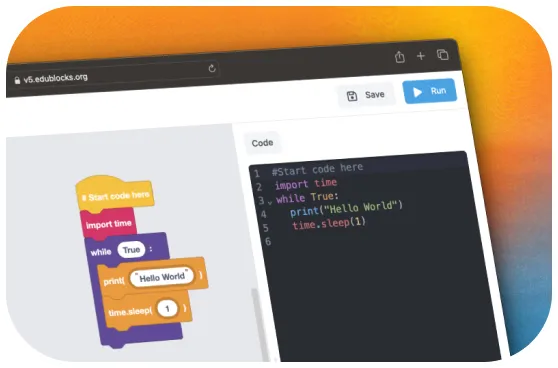
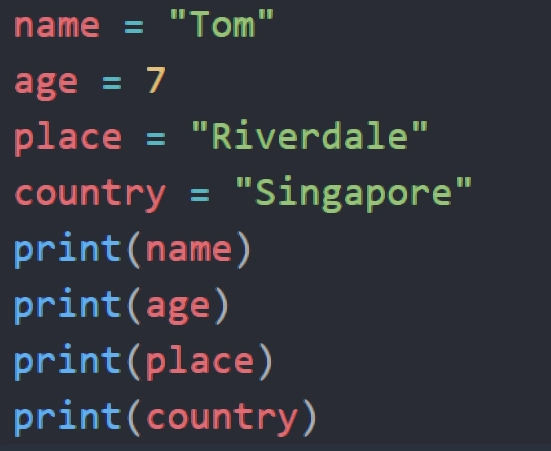
EduBlocks displays the actual Python code alongside the blocks, helping students understand how block-based coding translates into text code. This visual connection makes it easier for them to move to text-based Python when they’re ready.
Students will learn Python fundamentals such as variables, data types, loops, conditionals, and lists-all through interactive, hands-on projects. They’ll also build confidence in problem-solving and computational thinking.
Absolutely! Many coding concepts-like sequencing, loops, and conditionals-are shared between Scratch and Python. EduBlocks is an ideal next step for kids who’ve enjoyed Scratch and want to try Python
Yes! Every session is exclusively between your child and their dedicated teacher. The entire session is focused on your child’s pace, questions, and progress.